Before installing Volcano Executor, it’s important to ensure your computer meets the basic system requirements. A compatible system helps the executor run smoothly and reduces the chance of crashes or performance issues.
Minimum Requirements
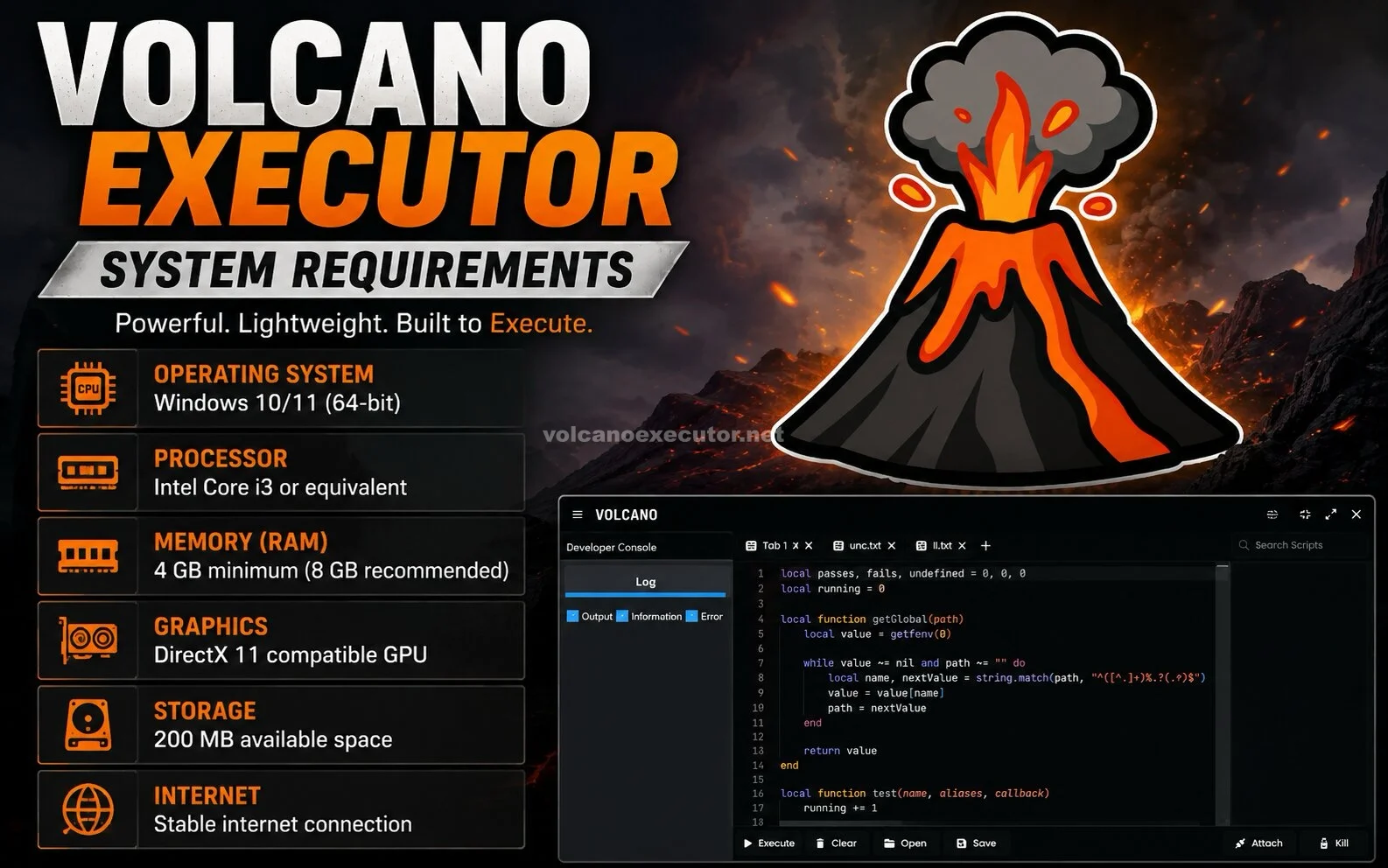
Most users can run Volcano Executor on a standard Windows PC with the following specifications:
- Operating System: Windows 10 or Windows 11 (64-bit)
- Processor: Dual-core CPU or better
- Memory: At least 4 GB RAM
- Storage: Around 500 MB of free disk space
- Internet: Required for downloading updates and key verification (if applicable)
Recommended Requirements
For better performance and faster script execution, consider:
- Windows 11 (64-bit)
- Intel Core i5, AMD Ryzen 5, or newer
- 8 GB RAM or more
- SSD storage for quicker loading
- Stable broadband internet connection
Also Read: Volcano Executor Common Errors and Solutions
Tips for Better Performance
- Keep Windows updated.
- Close unnecessary background programs.
- Use the latest version of Volcano Executor.
- Ensure your Roblox client is also up to date.
Conclusion
Volcano Executor does not require high-end hardware, making it accessible for most Windows users. Meeting the recommended specifications can provide a smoother and more reliable experience.